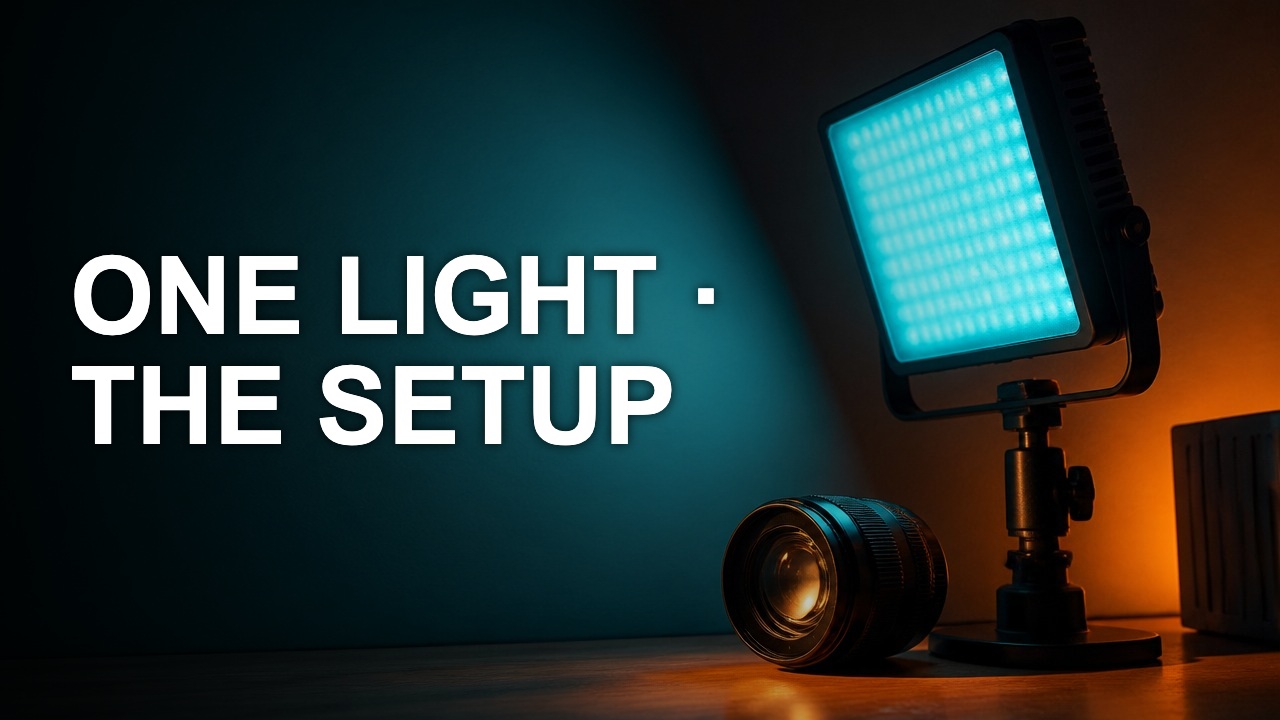
Choose a thumbnail template by the evidence you can show
Pick a layout by what the viewer needs to recognize. A familiar grid is helpful when it gives your source material the right amount of space.
Pick a layout by what the viewer needs to recognize. A familiar grid is helpful when it gives your source material the right amount of space.
Match layout to content
Use a result-led layout for a strong finished object. Use a split frame only when the two states look different at small size. For tutorials with tiny controls, try a crop of one decisive detail instead of a full screen.
Replace the placeholder completely
Remove demo text, labels and images. Place your own footage and use wording that fits the video. Watch for a layout relying on a white cutout or high-key photo that your darker image does not provide.
Keep a reusable structure
Save the useful margins and proportions, then let the next episode change the image and message. If every episode looks identical in a playlist, add a consistent slot for the episode's distinguishing evidence.
Author

Categories
More Posts
Crop a thumbnail without cutting the subject
A crop should give the subject a clearer role. The best rectangle depends on the story you want to show, the text you need, and where the cover will be viewed.
Make your YouTube title and thumbnail work together
A good pair gives the viewer two pieces of the same promise. Use the image to show evidence and the title to explain why it matters.
Build a thumbnail color palette from real footage
A usable palette assigns colors to jobs. Pick a background, a reading color, and one accent that still stands out after export.