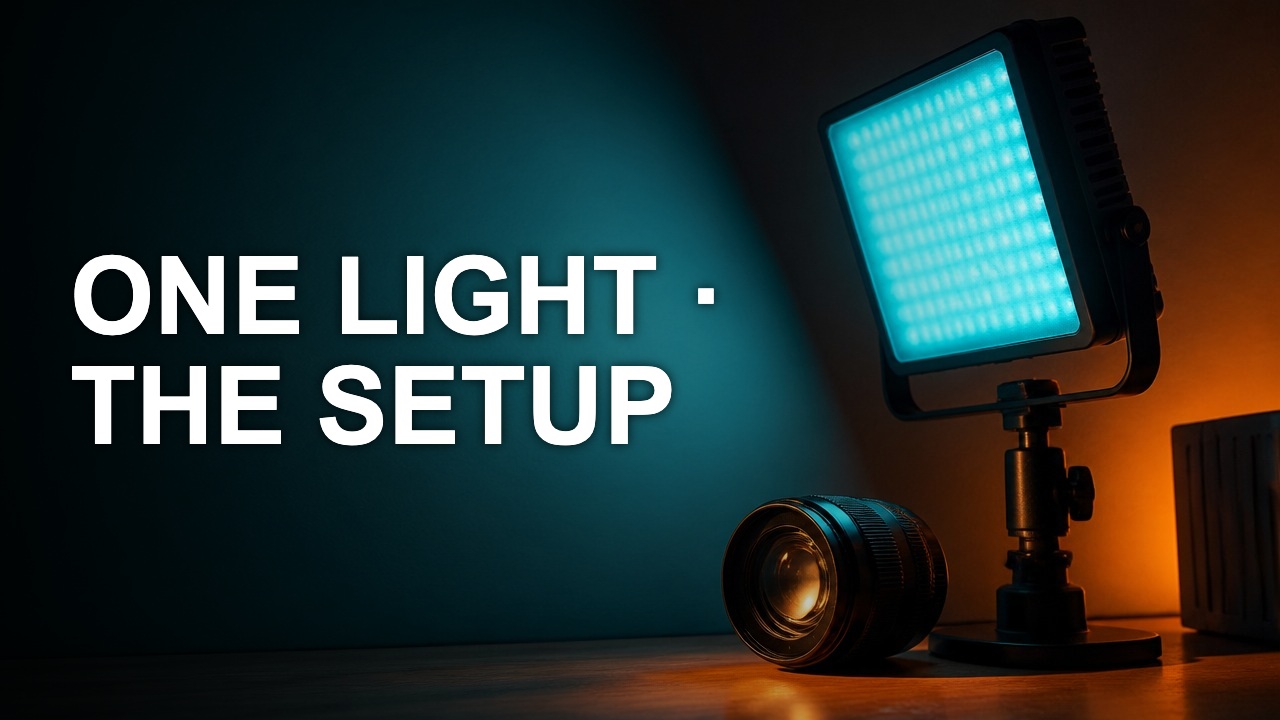
Build a thumbnail color palette from real footage
A usable palette assigns colors to jobs. Pick a background, a reading color, and one accent that still stands out after export.
A usable palette assigns colors to jobs. Pick a background, a reading color, and one accent that still stands out after export.
Start with a frame you will use
Sample a still from the video. In the Lighting Study, the cool background can carry the field, a light neutral can carry the text, and the warmer lamp detail can supply an accent. Treat sampled colors as candidates because the most frequent hue may be noise or shadow.
Test colors in pairs
Put the actual type color on the actual backdrop. A saturated accent can be a good marker but a poor text color. Write down a dark and light fallback when the footage changes from shot to shot.
Save roles with values
Record names such as “background,” “cover copy,” and “key detail” alongside the hex values. In the next episode, keep the same roles and change the accent if it blends with the new subject.
Author

Categories
More Posts
Crop a thumbnail without cutting the subject
A crop should give the subject a clearer role. The best rectangle depends on the story you want to show, the text you need, and where the cover will be viewed.
Make your YouTube title and thumbnail work together
A good pair gives the viewer two pieces of the same promise. Use the image to show evidence and the title to explain why it matters.
How to check text contrast on a YouTube cover
Color contrast helps diagnose why a word vanishes. The ratio is most useful when you measure the colors that actually touch on the cover.