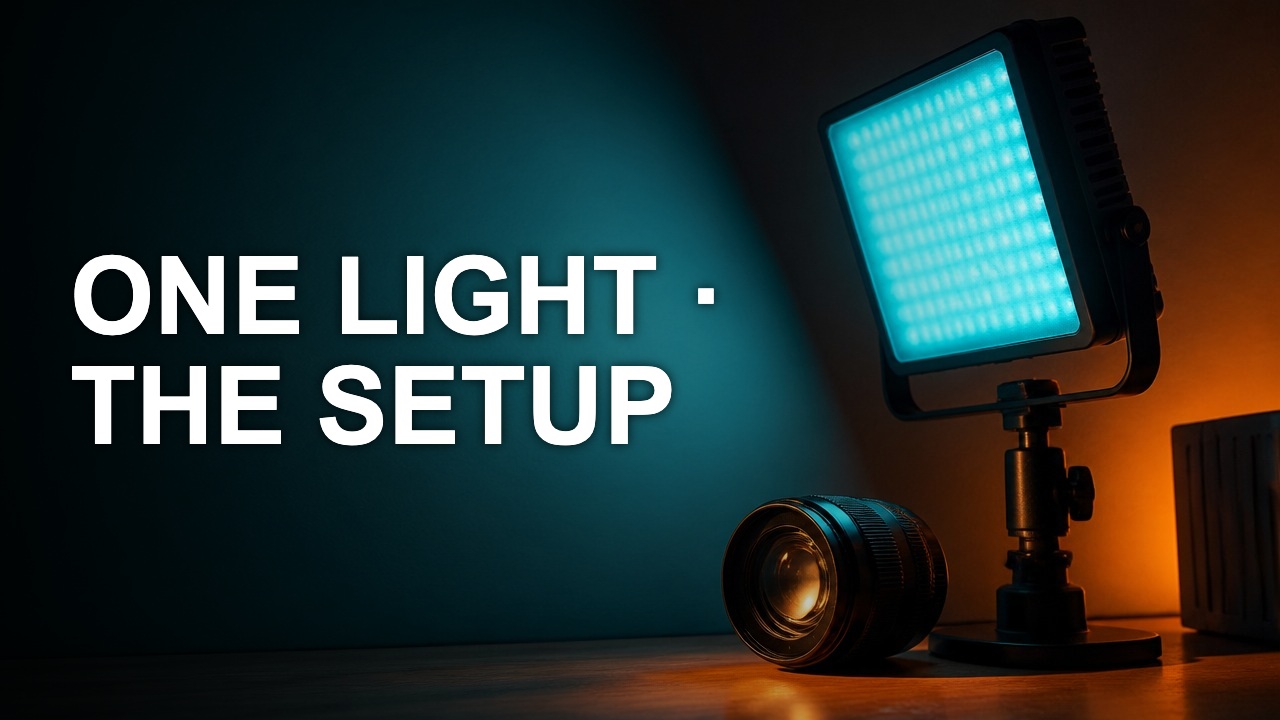
Crop a thumbnail without cutting the subject
A crop should give the subject a clearer role. The best rectangle depends on the story you want to show, the text you need, and where the cover will be viewed.
A crop should give the subject a clearer role. The best rectangle depends on the story you want to show, the text you need, and where the cover will be viewed.
Locate what must survive
Mark the eyes, a hand performing the action, or a product detail that explains the result. Move the crop until these remain inside the frame. Leave a little breathing room at the side the subject is looking toward.
Compare two crops on the same frame
Make a tight crop for recognition and a wide crop for context. Place any text in each before deciding. If the wide version adds a clear setting rather than visual noise, it may be worth the smaller subject.
Check the actual aspect ratio
A 16:9 cover and 9:16 vertical asset need separate decisions. Recenter the subject and move copy when the frame changes. Save both outputs as distinct files to avoid sending the wrong crop.
Author

Categories
More Posts
Make your YouTube title and thumbnail work together
A good pair gives the viewer two pieces of the same promise. Use the image to show evidence and the title to explain why it matters.
Build a thumbnail color palette from real footage
A usable palette assigns colors to jobs. Pick a background, a reading color, and one accent that still stands out after export.
How to check text contrast on a YouTube cover
Color contrast helps diagnose why a word vanishes. The ratio is most useful when you measure the colors that actually touch on the cover.