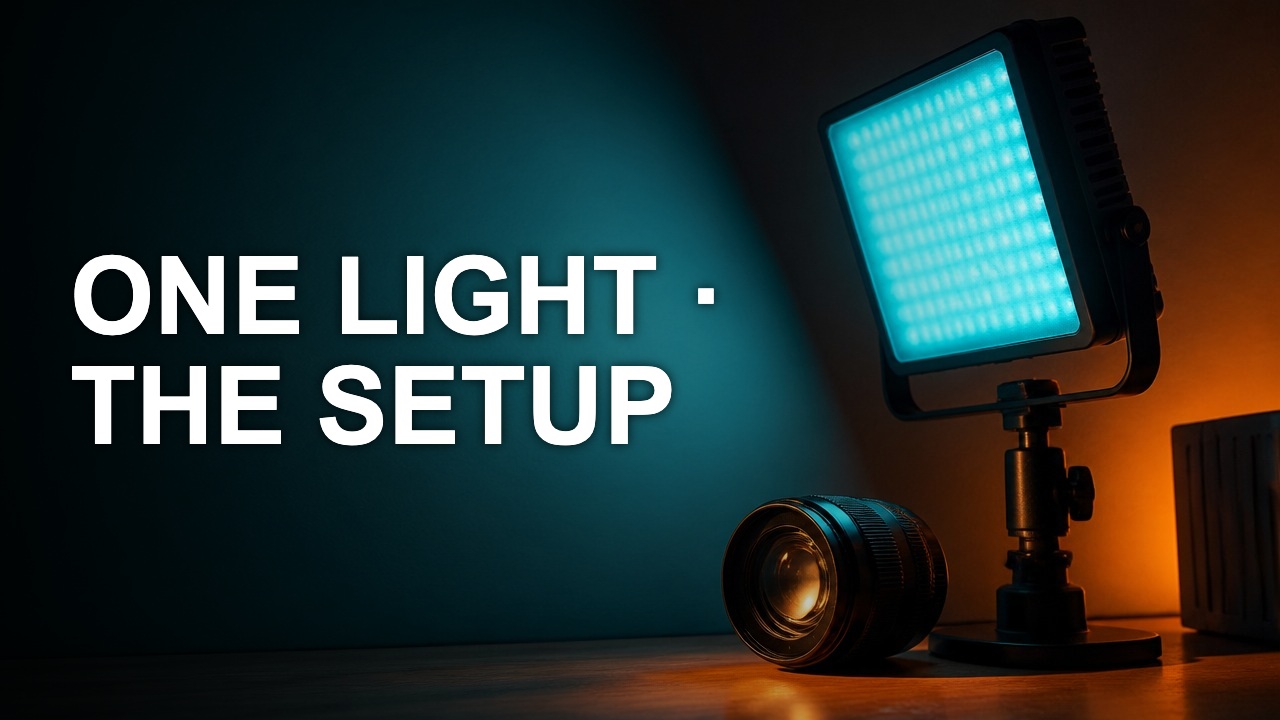
Make your YouTube title and thumbnail work together
A good pair gives the viewer two pieces of the same promise. Use the image to show evidence and the title to explain why it matters.
A good pair gives the viewer two pieces of the same promise. Use the image to show evidence and the title to explain why it matters.
Split the information
A close-up can show a repaired switch. The title can name the device and the fault. Repeating the device name across every part of the cover leaves less space for the visible result.
Check each surface
View the combination in a wide mockup and a narrow one. Put the key noun early in the title because the end can truncate. Check whether the image still makes sense when the last line of the title is hidden.
Verify against the opening
Play the first 20 seconds. If the cover promises a comparison but the video never shows the other state, change the packaging or add the missing material. A coherent pair sets up the viewing experience.
Author

Categories
More Posts
Crop a thumbnail without cutting the subject
A crop should give the subject a clearer role. The best rectangle depends on the story you want to show, the text you need, and where the cover will be viewed.
Build a thumbnail color palette from real footage
A usable palette assigns colors to jobs. Pick a background, a reading color, and one accent that still stands out after export.
How to check text contrast on a YouTube cover
Color contrast helps diagnose why a word vanishes. The ratio is most useful when you measure the colors that actually touch on the cover.