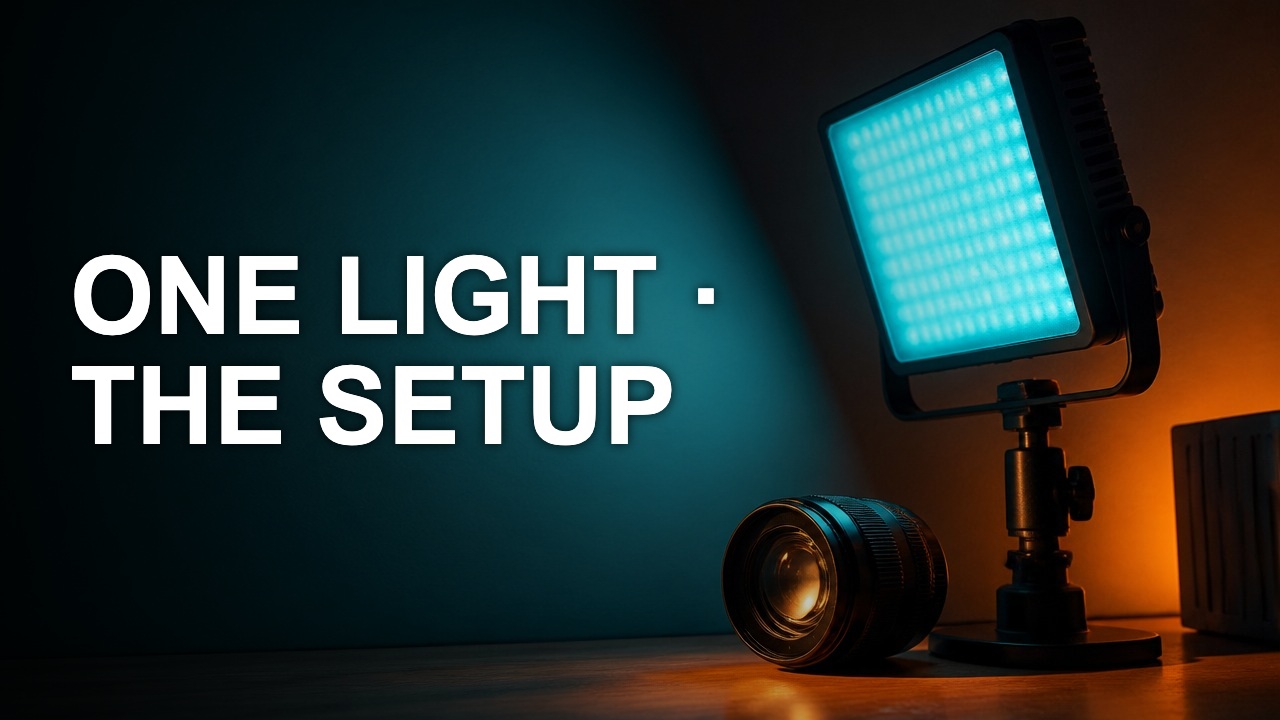
How to design a thumbnail that reads at small size
A thumbnail has to communicate before the viewer stops scrolling. Test the cover at a small width early, while the layout can still change.
A thumbnail has to communicate before the viewer stops scrolling. Test the cover at a small width early, while the layout can still change.
Choose one visual job
Name the first thing a stranger should recognize. For a lighting tutorial it could be the shadow edge on the subject's face. If a logo, hand, light stand and caption all compete for attention, enlarge the piece that proves the topic.
Test without zoom
Show a version at about 160 to 200 pixels wide and look at it for two seconds. Write down the object and the message you saw. Compare that with your brief. Use the same width for every candidate.
Edit in the right order
If the object disappears, fix crop or placement before changing fonts. If the image reads and the words disappear, shorten the copy and place it on a quieter part of the frame. Run the same test again after export.
Author

Categories
More Posts
Crop a thumbnail without cutting the subject
A crop should give the subject a clearer role. The best rectangle depends on the story you want to show, the text you need, and where the cover will be viewed.
Make your YouTube title and thumbnail work together
A good pair gives the viewer two pieces of the same promise. Use the image to show evidence and the title to explain why it matters.
Build a thumbnail color palette from real footage
A usable palette assigns colors to jobs. Pick a background, a reading color, and one accent that still stands out after export.