How to split an image grid and prepare a batch of YouTube thumbnails
Separate a contact sheet into individual images and convert a set of thumbnails without changing their pixel dimensions.
If a designer sends one image containing four thumbnail ideas, cutting it into tiles is the first step. If you already have four separate files, start with batch conversion. Both workflows preserve the pixels in your source or crop.
Split a regular grid into individual files
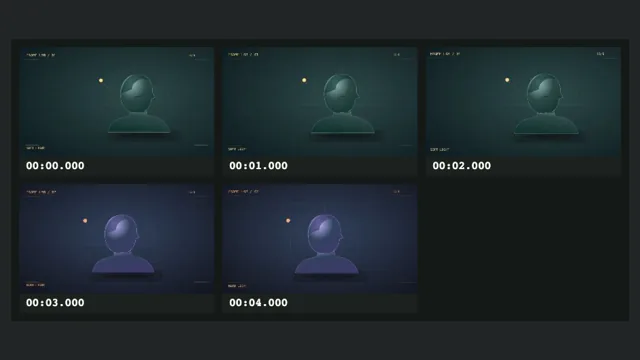
Open the image grid splitter and set the number of columns and rows. A 1920 × 1080 image divided into two columns and two rows produces four 960 × 540 tiles. A 1921 × 1081 image has a one-pixel remainder along both axes. Tile boundaries still cover the source from edge to edge.
The ZIP uses row and column numbers so a review comment such as “row 2, column 1” points to the same file for everyone. This works best on evenly spaced grids. If your sheet has white gutters or captions, those pixels remain in the tiles. Trim them with the thumbnail resizer, or download the individual original frames from the video frame extractor when you have the source clip.
Convert a folder without changing its dimensions
Use the batch image converter to put up to 12 JPG, PNG or WebP images into one format. Original dimensions are kept. Use PNG for graphics where you want to preserve sharp text or transparency. If you choose JPG, transparent pixels are filled with white. JPG and WebP are lossy outputs in this workflow.
Conversion and file size are separate checks. Open the size checker with a converted image to verify its aspect ratio, format and weight. If you need a specific file weight for upload, use the compressor.
Review a small batch before publishing
Both tools have a Lighting Study example. The converter loads three covers from the same clip, while the splitter uses one cover so you can inspect the four default tiles. For your own material, use the thumbnail tester after selecting the final candidates. Pair each cover with its intended title and check the mobile view before you send the files for approval.
More Posts

Turn SRT or VTT captions into readable notes
An exported caption file contains timing and markup that are useful to a player but get in the way when you read the text. Keep the timed file and make a separate plain-text copy.

PNG, JPG, or WebP for YouTube thumbnails?
The best working format and the best delivery format can differ. Choose the export based on both the picture and the upload destination.
Compress a thumbnail without muddying the details
Compress for the upload limit you need. Keep the uncompressed master so future edits do not inherit compression artifacts.